
Essay Planning
This feature helps you construct essays by transforming your reasoning or ideas into structured prose. Practicing essays with these templates will assist you to structure any map format into clear, logical prose.
Note that the essay planner templates are fixed. You cannot add more reasons or objections, though you can add BASIS BOXES.
How to use the Essay Planning feature
Step 1 - Open the ESSAY PLANNING section of the BUILDING PANEL.
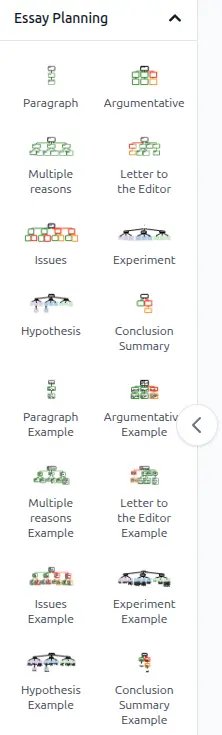
Step 2 - Select an essay planning template and drag and drop it onto the workspace.
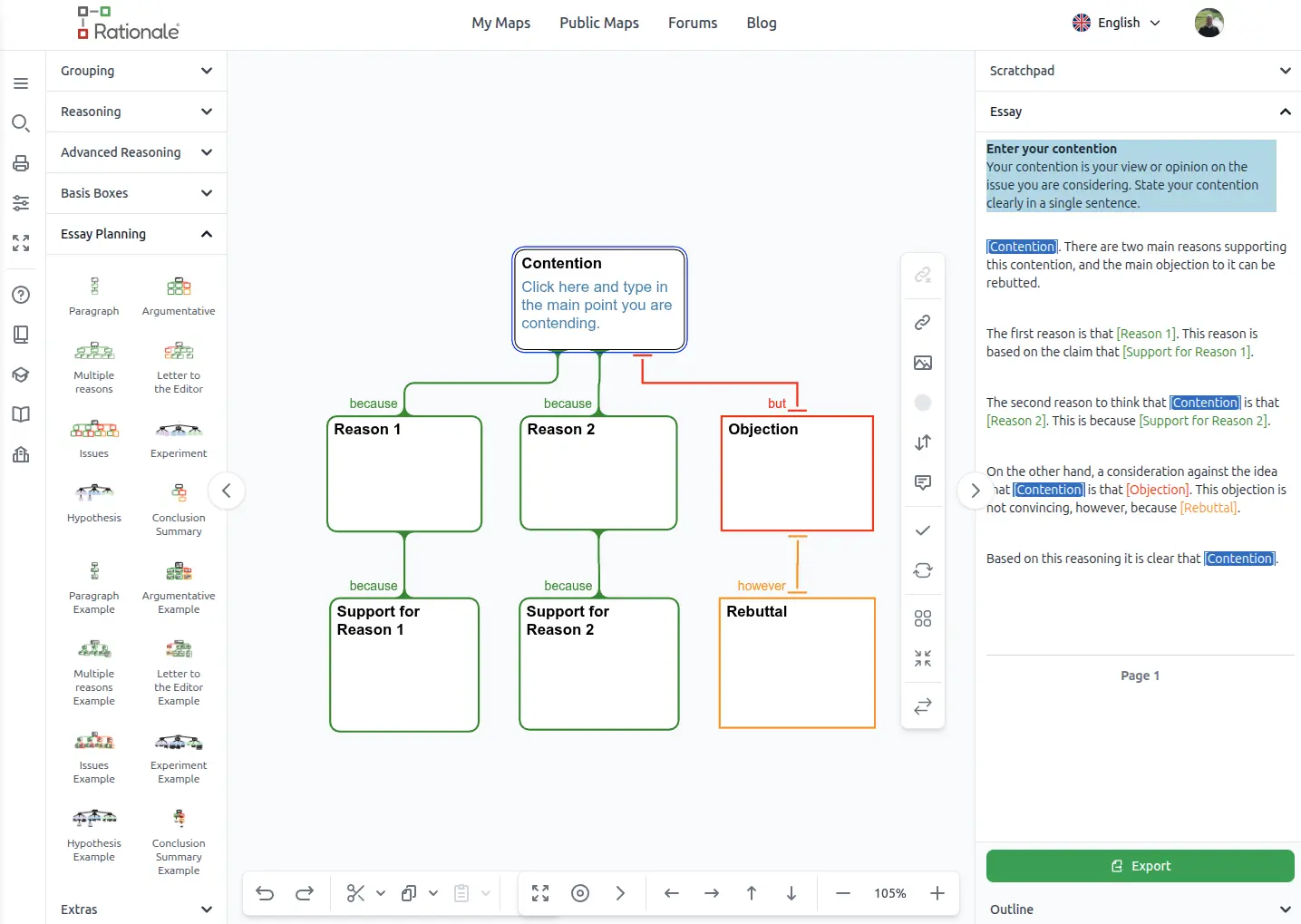
Step 3 - Fill in the template, following the instructions and guidance. You will see your essay being generated in the Preview pane. Please note: Simply fill in the boxes. Do not add or remove boxes when working with an essay template, or Rationale will not recognize it as a template. You can add Basis boxes though.
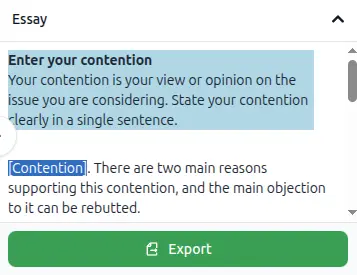
Step 4 - Export your essay plan in Word or other word processing software. The exported document has additional guidance on how to flesh out your essay.

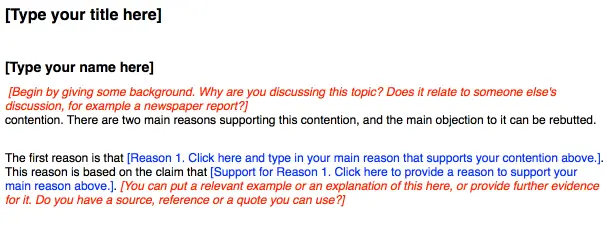
Step 5 - Flesh out the Essay
In your exported document there are instructions in red that help you complete your essay. Ensure you check your draft with your teacher to ensure it is appropriate for your purpose.
As you gain confidence, start changing the connecting terms (since, because, for, thus) and improving the language used.
Templates
Essay Planning only works with the templates provided. If you add or remove boxes from a template, text will not be generated. You can add BASIS BOXES to your maps. There are eight templates available:
- Paragraph: This template is a basic map for beginners. You articulate your contention, give one reason for it and support that reason with a further reason.
- Argumentative: With this template you give two reasons for your contention, and give evidence for each of those reasons. Then you consider an objection to your contention and rebut it. This is a powerful way of arguing for your contention. It shows that you have considered an opposing argument and have shown why it doesn't succeed in opposing your contention.
- Multiple Reasons: With this template you don't consider opposing views. You articulate a contention and give three reasons to believe it, with further evidence to support each of your three reasons. This is an appropriate template for an exploratory essay.
- Letter to the Editor: With this letter template, you begin by considering an objection to your contention, rebutting it, then provide three reasons for your contention, giving supporting reasons.
- Issues: This template allows you to consider both sides of an argument equally, giving two reasons and two objections for a contention. You then consider a reason and objection for each claim.
- Experiment: This template is ideal for science experiments where you need to provide a prediction, your observation and an Explanation.
- Hypothesis: This template focuses on higher level science reports which provide a hypothesis and background information for the research.
- Conclusion Summary: This provides a brief summary for the issue under consideration, your conclusion, the reason and supporting basis for this conclusion. It also provides an objection and your rebuttal.
Introduction
The Essay Planner is a way to build written communication skills by providing instructive templates for well structured and reasoned writing formats.
In the Essay planning panel you will find a range of templates, including argumentative essays, a letter to the editor, a hypothesis essay and a conclusion summary. Select the one you want and drag it onto your workspace.
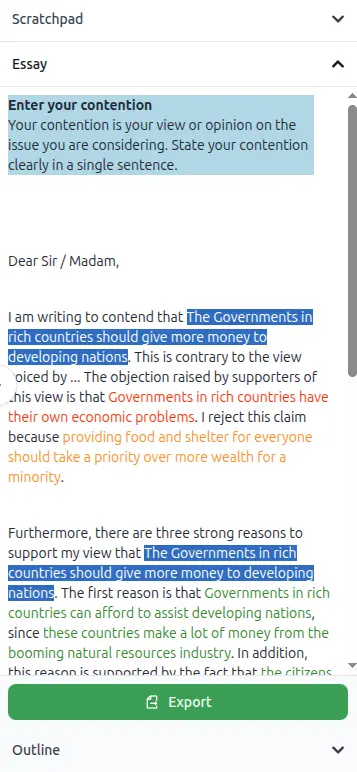
Follow the instructions in the boxes of the template. This will assist you know what to write and where. The templates cannot be added onto, though you can add basis boxes. Whatever you write will appear automatically in the text panel to the right of your workspace.
When you are finished, select the export button and an essay draft will open in a word document. Remember this is just a draft, but your ideas, the structure, instructions and a checklist are there to provide guidance and practice.
Essay Planning Panel
The essay planner panel on the left side of the workspace contains all you need to practice reasoning and writing skills. There are templates which contain instructions in each box and an example to show you what they look like.
Examples
Click on a map to open it in Rationale.
Paragraph
Argumentative
Multiple reasons
Letter to the editor
Issues
Experiment
Hypothesis
Conclusion Summary